FeaturesCompare
See what changed between two versions of a course package
Drop the version you had and the version you have now. Preflight lines up the words screen by screen and lists every file that changed.
Free, no account.
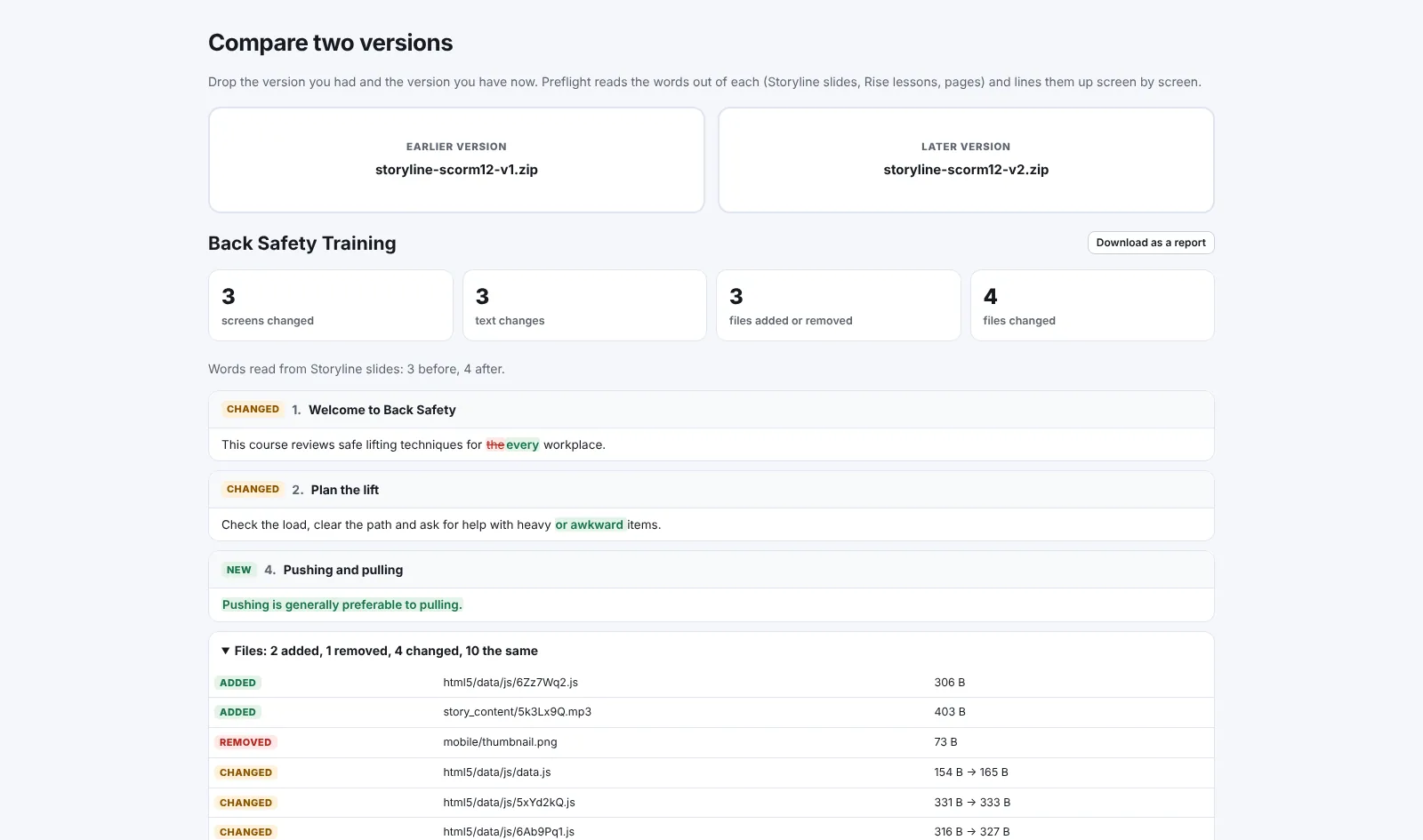
Back Safety Training
3screens changed
3text changes
3files added or removed
4files changed
Changed 1. Welcome to Back Safety
This course reviews safe lifting techniques for theevery workplace.
Changed 2. Plan the lift
Check the load, clear the path and ask for help with heavy or awkward items.
New 4. Pushing and pulling
Pushing is generally preferable to pulling.
What you get
Words, screen by screen
From Storyline slides, Rise lessons and plain pages, with each change marked.
Every file
Added, removed, changed or the same, with sizes before and after.
A report to send
Download the comparison as a report.
How it works
- Open CompareOpen Compare versions in Preflight.
- Drop both zipsDrop the version you had and the version you have now.
- Read what changedWords screen by screen, then every file. Download it as a report.